Chasing invoices doesn’t scale.
Your reps close deals, finance sends invoices, and then you wait, sending reminders and repeating the same cycle every month.
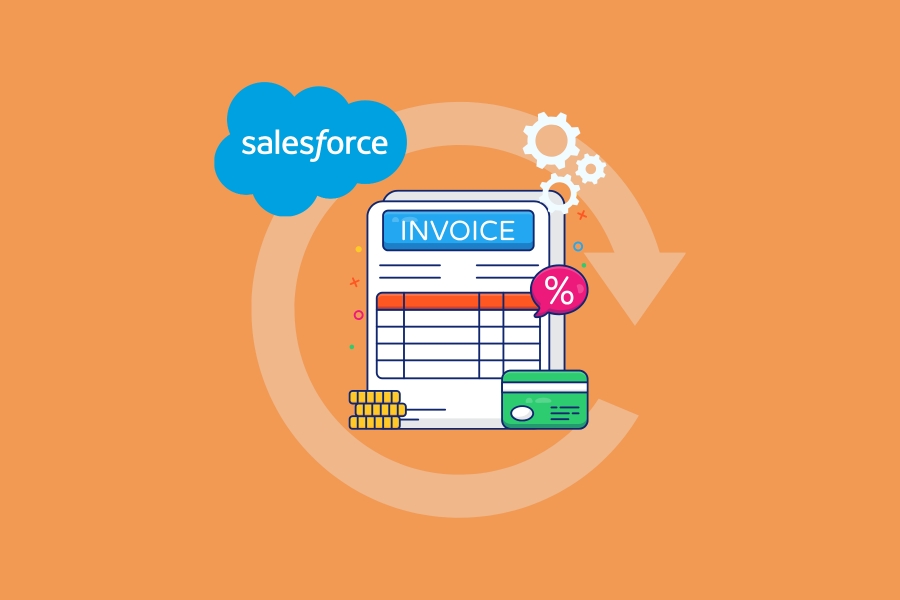
Auto bill pay changes that. It turns payment collection into an automated process that runs in the background.
What Is Auto Bill Pay?
Auto bill pay allows you to automatically charge a customer’s saved payment method for invoices or recurring billing.
Once set up:
- Invoices are generated automatically
- Payments are collected on schedule
- Retries and notifications happen without manual effort
When It Makes Sense
Auto bill pay works best for ongoing relationships, such as:
- Subscriptions
- Retainers
- Monthly services
- Support or maintenance plans
You can still use manual invoicing for one-off deals, but the more customers on auto bill pay, the more predictable your cash flow becomes.
How to Set It Up in Salesforce
Here’s a simple 4-step flow using Kulturra:
1. Create the Invoice or Schedule
Close the deal and generate a one-time invoice or recurring billing schedule directly in Salesforce.
2. Capture Payment Method
Send a payment link or use a portal to collect and securely store the customer’s payment details with authorization.
3. Enable Auto Bill Pay
Link the saved payment method to the invoice or schedule and define rules (timing, retries, notifications).
4. Automate the Lifecycle
Salesforce handles billing, payments, retries, and updates automatically, no manual chasing required.
Why It Matters
Auto bill pay helps you:
- Collect payments faster
- Reduce manual work
- Minimize missed or late payments
- Improve cash flow predictability
Put Billing on Autopilot
Auto bill pay turns a repetitive, manual process into a scalable system inside Salesforce.
With tools like Kulturra, invoices, payments, and automation all live in your CRM, so your team can focus on growth instead of collections.